5 Powerful AI Client Onboarding Software for Coaches
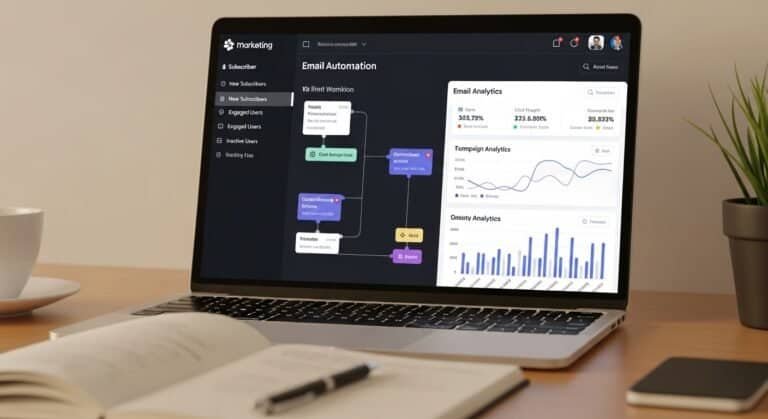
AI client onboarding software for coaches helps coaching businesses automate onboarding workflows, deliver structured welcome sequences, and ensure clients receive program access without manual setup.
For many coaching businesses, the onboarding process is still handled manually. After a client signs up, coaches often send multiple emails, share documents individually, and manually grant access to coaching resources or platforms. While this process may work for a small number of clients, it becomes inefficient as the coaching business grows.
Manual onboarding workflows create several challenges. Important information can be missed, access instructions may be delayed, and clients may feel confused during the initial stages of the coaching relationship. These issues negatively affect the overall client experience and increase administrative workload.
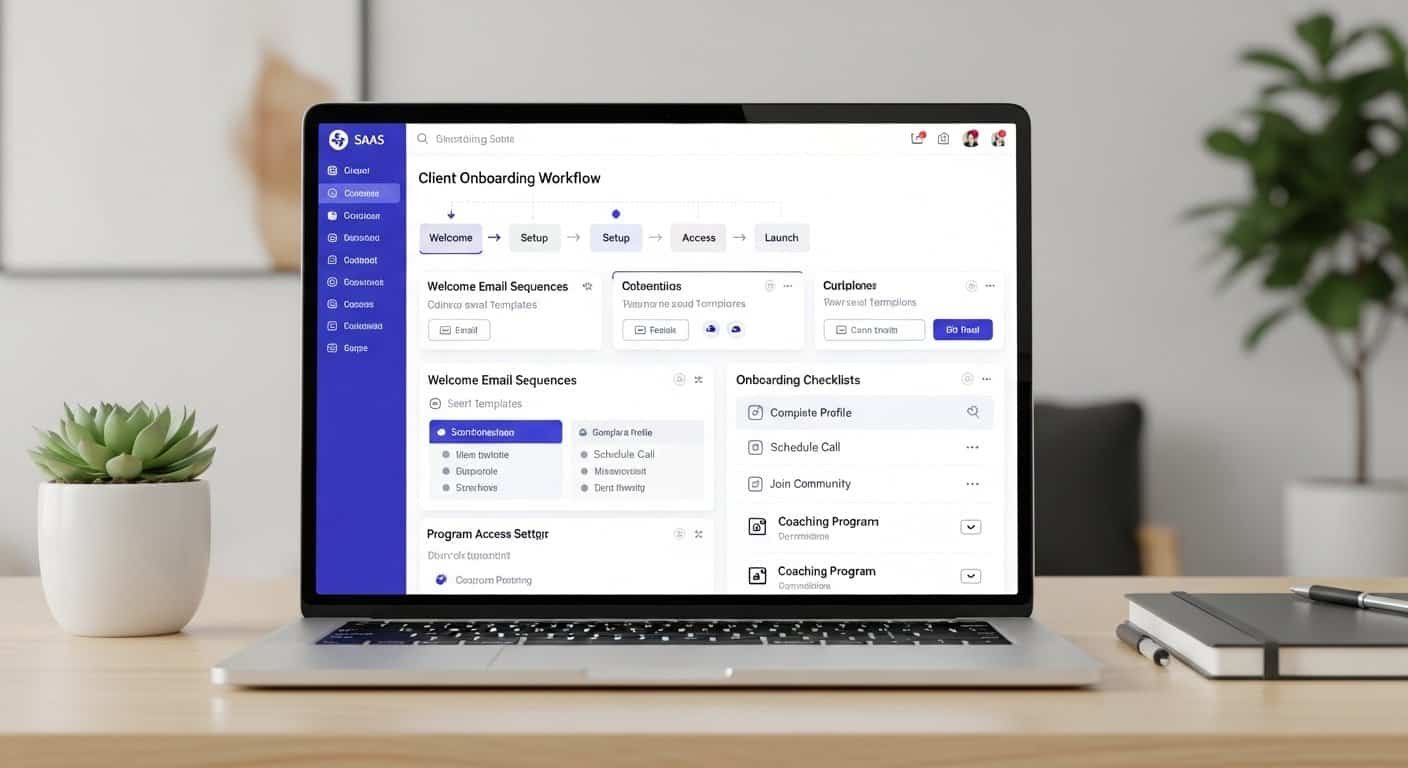
AI-powered onboarding platforms solve these problems by automating onboarding flows. These systems deliver welcome email sequences, provide access to coaching programs, and guide clients through structured onboarding checklists. Instead of manually managing every onboarding step, coaches can implement automated systems that ensure every client receives a consistent onboarding experience.
Businesses exploring broader automation ecosystems can also review AI tools for coaches and consultants to understand how onboarding automation fits within modern coaching technology stacks.
For coaching businesses handling multiple clients, onboarding software helps streamline client setup, improve onboarding speed, and create a smoother experience during the first stages of a coaching program.
Business Workflow Overview
The onboarding process is a critical part of the client journey for coaching businesses. It bridges the gap between a client signing up and beginning their coaching program.
A well-structured onboarding workflow ensures that clients receive the information and resources they need to start successfully.
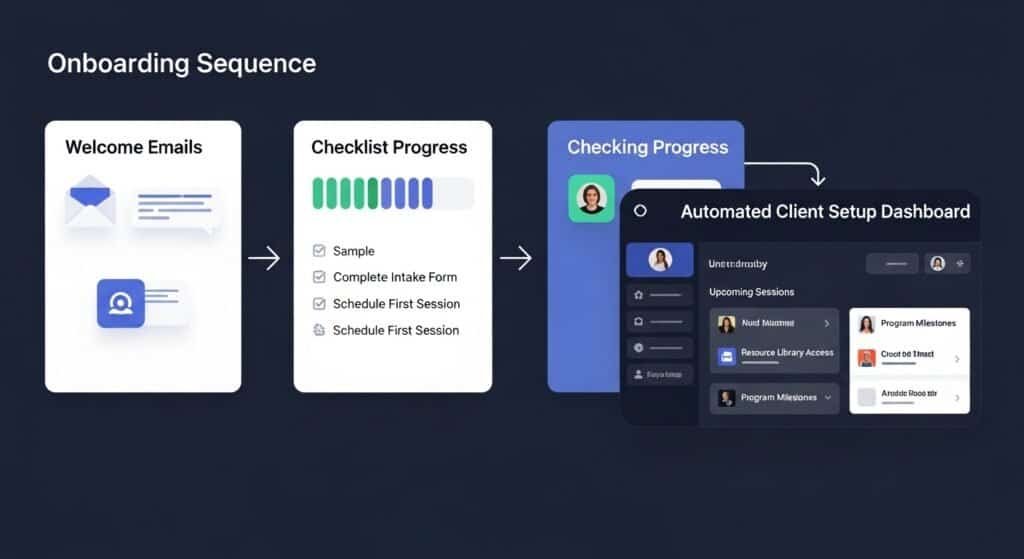
Typical coaching onboarding workflows include several stages.
Client Signup
The onboarding process begins when a client enrolls in a coaching program or purchases a coaching package.
At this stage, the onboarding system records client details and prepares the onboarding workflow.
Welcome Communication
Clients typically receive welcome messages that explain what happens next.
These communications often include:
- welcome emails
- onboarding instructions
- program access information
Automated welcome sequences ensure that every client receives consistent onboarding guidance.
Client Setup
During this stage, clients are granted access to coaching platforms, resources, and community areas.
Automating client setup reduces manual work and ensures clients receive immediate access to their programs.
Onboarding Checklist Completion
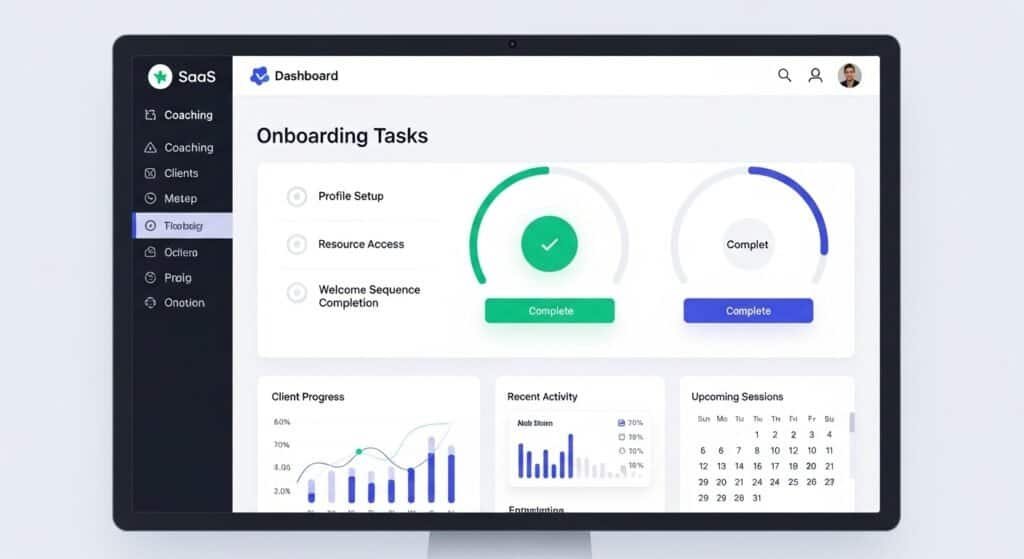
Many coaching businesses use onboarding checklists to guide clients through initial steps such as completing profiles, reviewing materials, and preparing for kickoff sessions.
Automation tools track checklist completion and guide clients through each onboarding step.
Kickoff Preparation
Once onboarding steps are completed, clients are prepared for the kickoff stage of the coaching program.
This structured onboarding workflow ensures that clients begin the program fully informed and ready to engage.
Where This Software Fits
AI client onboarding software for coaches fits directly into the onboarding phase of the client lifecycle.
These tools operate after a client enrolls in a coaching program and before coaching sessions begin.
Instead of manually managing onboarding steps, automation tools create structured onboarding systems that guide clients through the process.
The software typically handles several important tasks.
Automating Welcome Sequences
Welcome email sequences introduce new clients to the coaching program and provide instructions for accessing resources.
Automated email systems ensure that clients receive these messages immediately after joining.
Access Management
Many coaching businesses provide digital resources, program materials, or community access.
Onboarding software automatically grants access to these resources without requiring manual setup.
Structured Client Setup
Automation tools ensure that every new client completes the necessary onboarding steps before starting the coaching program.
These steps may include filling out onboarding questionnaires, reviewing program guidelines, or completing setup forms.
Some coaching businesses combine onboarding automation with ai client intake automation tools for consultants to collect client information before onboarding begins.
Key Capabilities
AI client onboarding software for coaches provides several key capabilities that streamline onboarding workflows.
Onboarding Automation
Automation is the core capability of onboarding software.
Instead of manually coordinating onboarding tasks, automation systems guide clients through structured onboarding workflows.
These workflows ensure that every client receives consistent onboarding instructions.
Welcome Email Sequences
Automated welcome sequences are one of the most common onboarding features.
These sequences introduce clients to the program, provide instructions, and guide them through the onboarding process.
Welcome sequences help set expectations and improve the overall onboarding experience.
Onboarding Checklists
Onboarding checklists guide clients through essential onboarding tasks.
These checklists may include:
- reviewing onboarding materials
- setting up program accounts
- preparing for kickoff sessions
Checklists ensure that clients complete the required onboarding steps.
Client Setup Automation
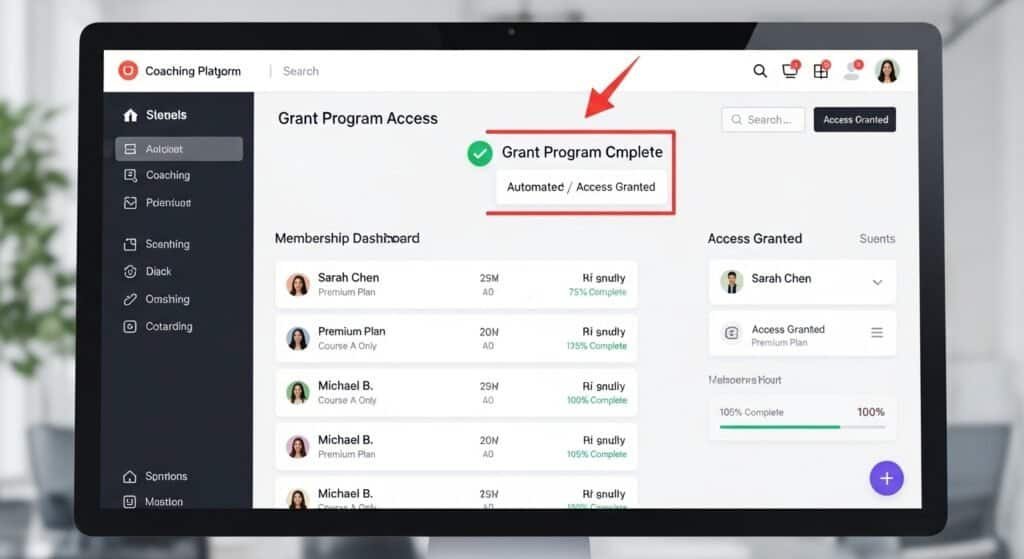
Client setup automation ensures that clients receive program access automatically.
Instead of manually assigning resources, onboarding tools grant access immediately after clients enroll.
Improving Client Experience
Structured onboarding processes significantly improve the client experience.
When clients receive clear onboarding instructions and immediate access to resources, they are more likely to engage with the program successfully.
Recommended Tools
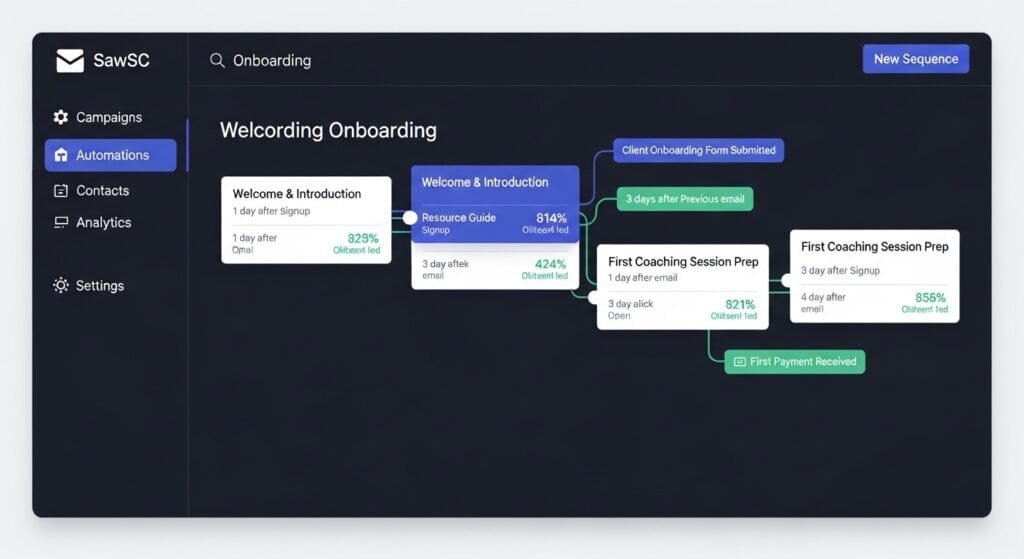
Several platforms provide onboarding automation capabilities designed for coaching businesses.
1. Kajabi
Kajabi is a widely used platform for online courses and coaching programs.
The platform includes onboarding automation features that allow coaches to deliver welcome sequences and grant program access automatically.
Key Features
- Automated onboarding workflows
- Welcome email sequences
- Program access automation
- Client setup tools
Pros
- Fully integrated coaching platform
- Simplifies onboarding processes
Cons
- Higher pricing compared to standalone tools
Best For
Coaches who want an all-in-one platform for onboarding and program delivery.
2. ThriveCart Learn
ThriveCart Learn allows coaches to automate onboarding workflows when clients purchase coaching programs.
The platform automatically grants course access and delivers onboarding instructions.
Key Features
- Automated onboarding flows
- Client access management
- Program setup automation
Pros
- Strong automation features
- Built for digital program delivery
Cons
- Requires integration for advanced workflows
Best For
Coaches delivering structured coaching programs.
3. MemberPress
MemberPress is a membership platform that supports onboarding automation for subscription-based coaching programs.
The platform automates client access and onboarding communication.
Key Features
- Automated onboarding sequences
- Membership access management
- Program delivery automation
Pros
- Flexible membership management
- Reliable onboarding workflows
Cons
- Requires WordPress integration
Best For
Coaching businesses running membership-based programs.
4. Podia
Podia provides onboarding automation capabilities for coaches delivering courses and mentorship programs.
The platform simplifies client onboarding by automating program access and welcome messages.
Key Features
- Onboarding email sequences
- Client access automation
- Program onboarding tools
Pros
- Easy to use
- Integrated course and coaching platform
Cons
- Limited customization for complex workflows
Best For
Coaches launching online coaching programs.
5. Circle
Circle is commonly used to create coaching communities and group coaching environments.
The platform supports onboarding workflows that automatically grant access to community spaces.
Some coaching businesses also integrate community onboarding with ai group coaching management tools to manage collaborative coaching programs.
Key Features
- Community onboarding automation
- Member access management
- Structured onboarding processes
Pros
- Strong community features
- Smooth onboarding experience
Cons
- Focused on community-based coaching
Best For
Coaches running group coaching programs or community-based mentorship.
Workflow Example
Understanding how onboarding software fits into a coaching workflow helps illustrate its value.
A typical onboarding automation workflow might look like this:
- Client purchases coaching program
- Onboarding software triggers welcome sequence
- Client receives onboarding instructions
- Program access is granted automatically
- Client completes onboarding checklist
- Client prepares for kickoff session
This automated workflow ensures that every client receives the same structured onboarding experience.
Automation eliminates manual coordination and reduces administrative work for coaches.
Integration Possibilities
AI client onboarding software for coaches often integrates with other systems used in coaching businesses.
Common integrations include:
- coaching program platforms
- community platforms
- payment systems
- email automation tools
These integrations allow onboarding workflows to operate seamlessly across multiple systems.
When onboarding automation integrates properly with other business tools, the entire client setup process becomes faster and more efficient.
Cost Considerations
Pricing for onboarding automation tools varies depending on the platform and features offered.
Entry-Level Platforms
Basic onboarding automation tools typically cost between $20–$40 per month.
These platforms provide simple onboarding workflows and automated email sequences.
Mid-Tier Platforms
More advanced onboarding systems typically range between $40–$100 per month.
These platforms include workflow automation, program access management, and client setup tools.
Advanced Platforms
Enterprise-level onboarding systems designed for larger coaching businesses can cost $100 or more per month, depending on feature sets.
Choosing the right platform depends on the scale of the coaching business and the complexity of onboarding workflows.
Final Thoughts
AI client onboarding software for coaches plays an essential role in delivering a smooth and professional client experience.
Manual onboarding processes create unnecessary administrative work and increase the risk of missed steps. Automation tools eliminate these inefficiencies by guiding clients through structured onboarding workflows.
By automating welcome sequences, managing program access, and guiding clients through onboarding checklists, these tools help coaching businesses create consistent onboarding experiences.
For coaches aiming to scale their programs while maintaining a high-quality client experience, implementing onboarding automation software is a practical step toward building efficient coaching systems.
FAQ
1. What is AI client onboarding software for coaches?
AI client onboarding software for coaches automates onboarding workflows, welcome email sequences, and program access setup so new clients can begin coaching programs quickly and efficiently.
2. Why do coaching businesses need onboarding automation?
Onboarding automation reduces administrative work, ensures consistent client setup, and improves the overall client experience during the first stages of a coaching program.
3. Can onboarding software automate welcome email sequences?
Yes. Most AI client onboarding software for coaches includes automated welcome email sequences that guide new clients through the onboarding process step by step.
4. How does onboarding automation improve client experience?
Automated onboarding ensures clients receive clear instructions, access to program resources, and structured onboarding steps without delays or confusion.
5. What features should coaches look for in onboarding software?
Important features include onboarding workflow automation, welcome email sequences, client setup tools, program access management, and onboarding checklists.
Disclaimer
The information provided in this article is for educational and informational purposes only. While we aim to keep content accurate and up to date, software features and availability may change over time. Some links on this page may be affiliate links, meaning we may earn a commission if you purchase through them at no additional cost to you. Always evaluate tools based on your specific business needs before making a decision.