ConvertKit Review for Coaches: 6 Powerful Email Automation Features
Why Email Marketing Still Matters for Coaching Businesses
Many coaching businesses focus heavily on social media when trying to attract clients. While social platforms can help generate visibility, they often fail to provide direct ownership of the audience relationship.
Algorithms change frequently, and organic reach can fluctuate dramatically. This is why experienced coaches often prioritize building an email list.
Email marketing allows coaches to communicate directly with potential clients without relying on social platform algorithms. A well-structured email strategy allows coaches to:
- nurture leads over time
- build trust with their audience
- promote coaching programs
- launch new offers
However, managing email marketing manually can become difficult as subscriber lists grow.
This is where email automation platforms such as ConvertKit become valuable.
ConvertKit is an email marketing platform designed specifically for creators, educators, and online businesses.
This ConvertKit review for coaches explores how the platform works and whether it is suitable for coaching businesses that rely on email marketing to attract and convert clients.
In this review we will explore:
- email nurture automation
- broadcast email campaigns
- subscriber segmentation
- automation workflows
- ConvertKit pricing tiers
- advantages and limitations
The goal is to help coaches decide whether ConvertKit is the right email platform for their business.
ConvertKit Review for Coaches: Platform Overview
ConvertKit is an email marketing platform designed to help creators manage subscribers, automate communication, and promote digital offers.
Unlike traditional email marketing systems that are built for corporate marketing teams, ConvertKit focuses on simplicity and creator-friendly automation.
The platform allows coaches to manage several important email marketing functions including:
- subscriber management
- email broadcasts
- automation workflows
- landing pages
- segmentation
Many coaching businesses use ConvertKit as their primary email marketing platform because it provides the tools needed to nurture leads and launch offers.
Coaches researching automation systems may also want to explore other platforms discussed in this guide to AI email nurture automation for coaches, which examines different tools used for building email-based client relationships.

1. ConvertKit Platform Comparison
Before exploring individual features, it helps to compare ConvertKit with other email marketing platforms used by coaches.
| Platform | Email Automation | Segmentation | Broadcast Emails | Landing Pages | Starting Price |
|---|---|---|---|---|---|
| ConvertKit | Yes | Yes | Yes | Yes | Free / Paid |
| Mailchimp | Yes | Limited | Yes | Yes | $13/month |
| ActiveCampaign | Advanced | Advanced | Yes | Yes | $29/month |
| Kajabi | Basic | Limited | Yes | Yes | $149/month |
ConvertKit is often preferred by creators and coaches because it balances automation capabilities with ease of use.
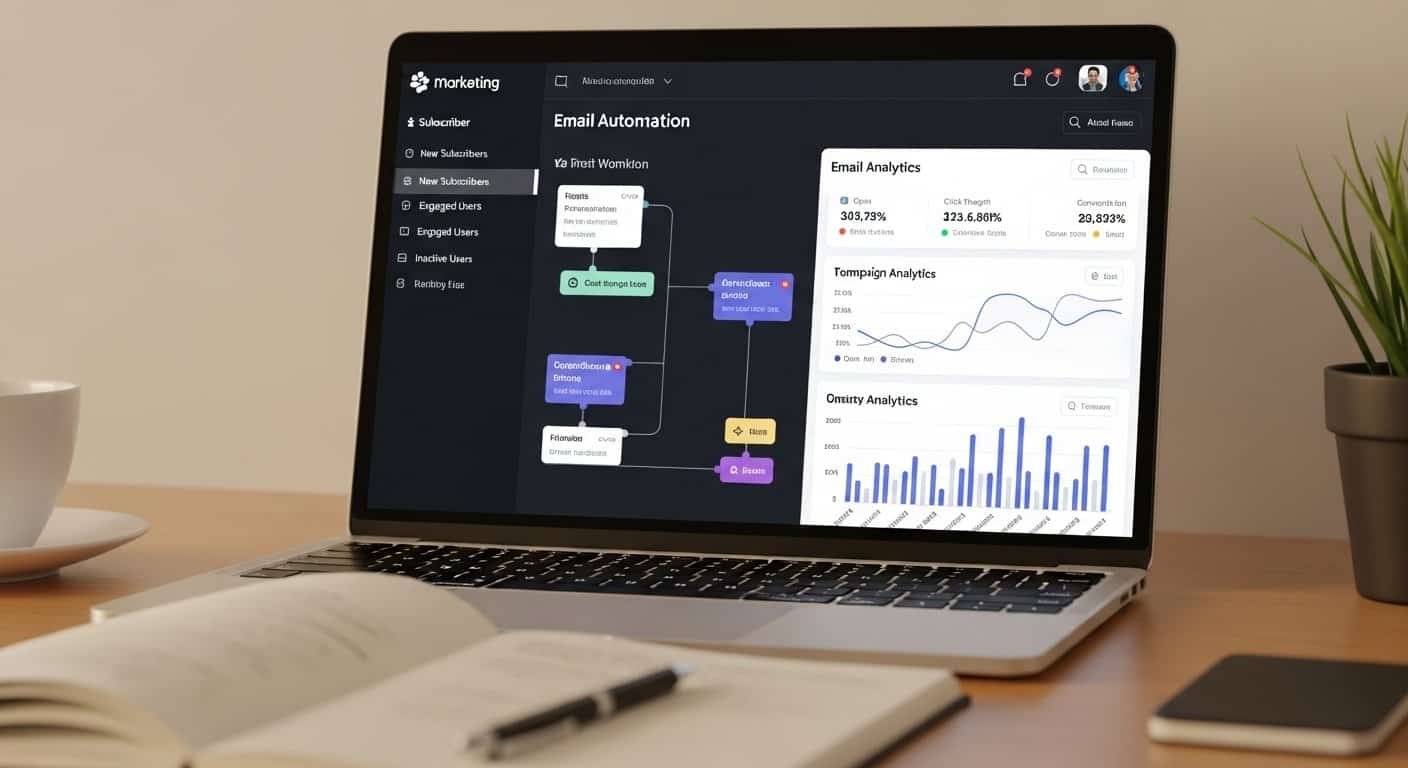
2. Email Nurture Automation
One of the most important uses of email marketing for coaches is nurturing potential clients.
Most leads do not purchase coaching services immediately. They often require time to understand the value of a program before making a decision.
Email nurture automation helps coaches maintain communication with leads through automated sequences.
These sequences might include:
- educational emails
- client success stories
- coaching insights
- invitations to webinars
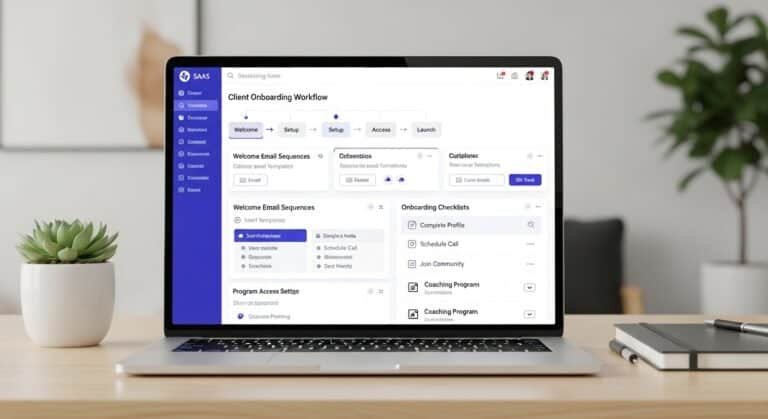
ConvertKit allows users to create automated email sequences that are triggered when a subscriber joins the email list.
For example, a typical nurture sequence might include:
- Welcome email
- Value-based educational email
- Client story or case study
- Coaching philosophy email
- Program introduction
These sequences help build trust and prepare potential clients for future offers.
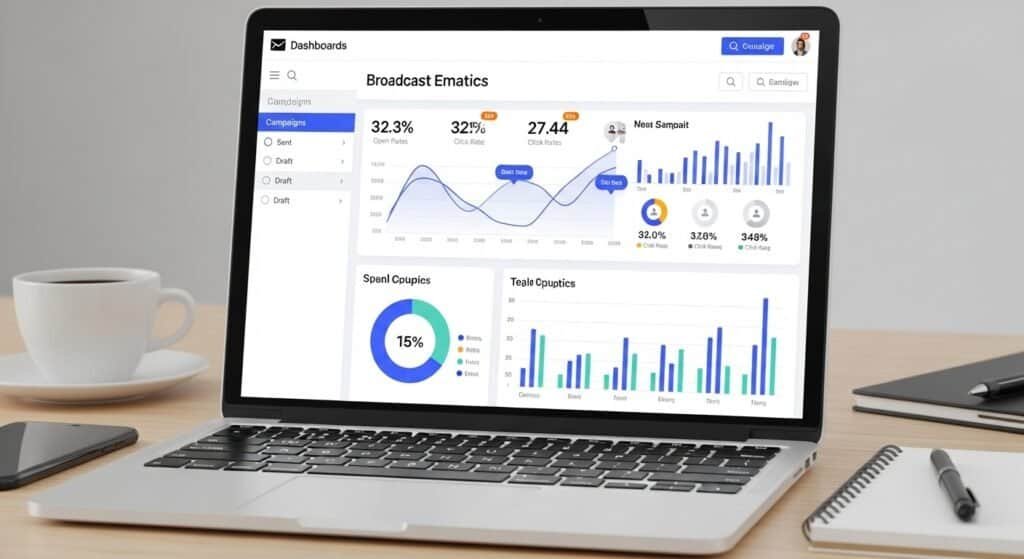
3. Broadcast Email Campaigns for Coaching Launches
Broadcast emails are used when coaches want to send a message to their entire subscriber list.
These broadcasts are commonly used during:
- coaching program launches
- webinar announcements
- promotional campaigns
ConvertKit provides tools that make it easy to create and schedule broadcast campaigns.
Coaches can use broadcasts to:
- announce program enrollment
- promote limited-time offers
- invite subscribers to events
For businesses planning structured launch campaigns, it may also be useful to explore platforms covered in this guide to AI broadcast email tools for coaching launches, which examines tools designed specifically for email-based launch marketing.
4. Subscriber Segmentation
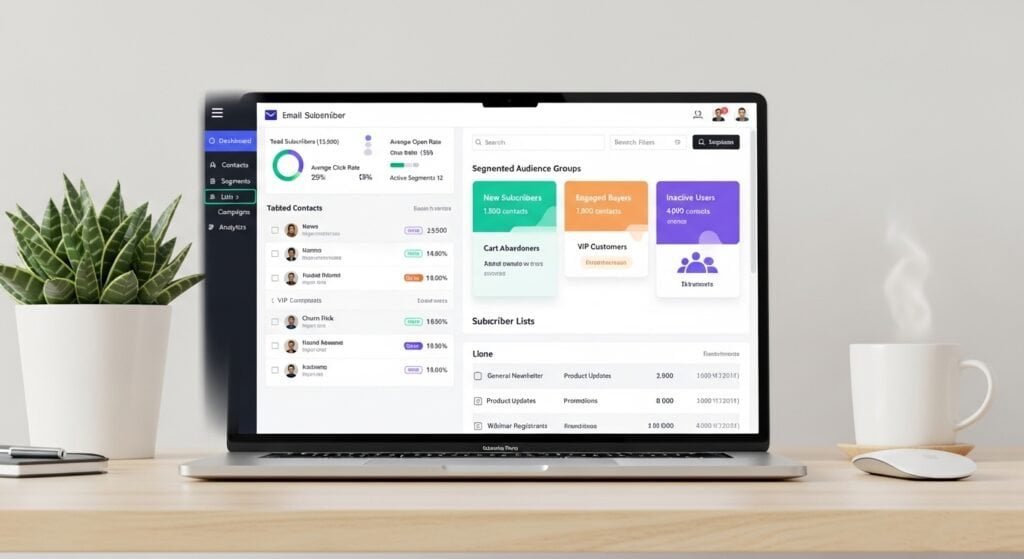
Segmentation is one of the most valuable capabilities of modern email marketing systems.
Instead of sending the same message to every subscriber, segmentation allows coaches to target specific groups within their audience.
ConvertKit allows users to segment subscribers based on factors such as:
- subscriber interests
- behavior within emails
- tags applied to contacts
- program purchases
For example, a coaching business might create separate segments for:
- new subscribers
- webinar attendees
- past coaching clients
- course buyers
This allows coaches to send highly relevant emails that match the interests of each group.
For businesses that want to analyze audience behavior more deeply, it may also be useful to explore AI client segmentation tools for consultants, which help categorize and analyze subscriber groups more effectively.
5. Automation Workflows
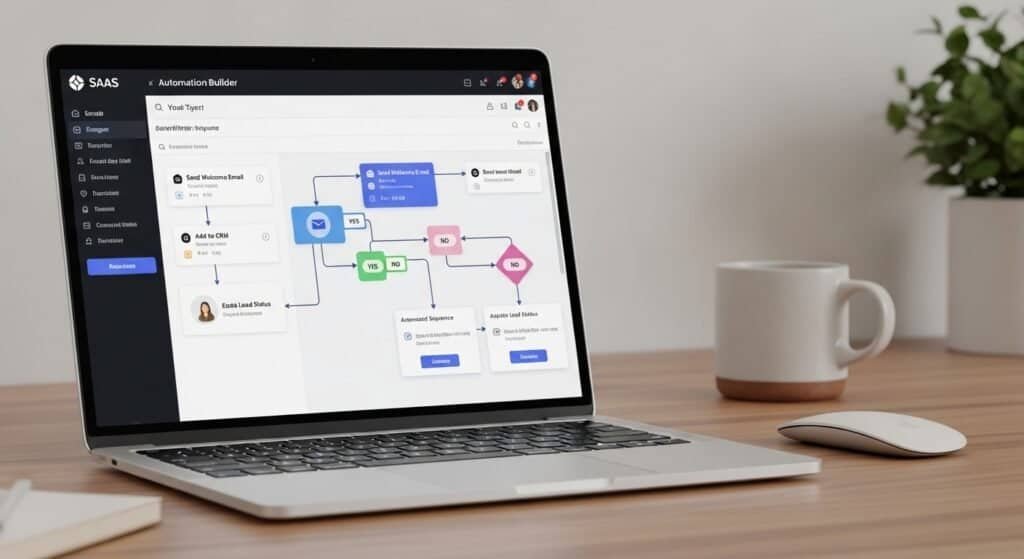
Automation workflows are one of ConvertKit’s strongest features.
Instead of manually sending emails, coaches can create automated workflows that respond to subscriber actions.
These workflows may trigger when a subscriber:
- joins an email list
- clicks a link
- purchases a product
- attends a webinar
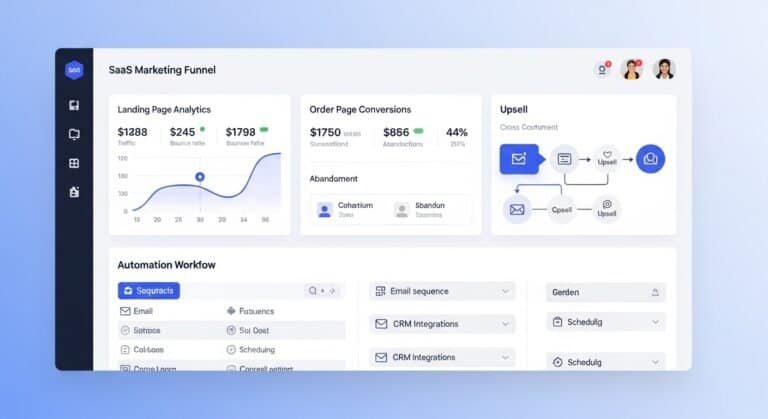
ConvertKit uses a visual automation builder that allows users to design these workflows easily.
Typical automation workflows might include:
- lead nurture sequences
- webinar follow-up emails
- onboarding emails for new clients
These automated systems allow coaching businesses to maintain consistent communication with subscribers without manually sending emails.
6. Landing Pages for Lead Generation
Although ConvertKit is primarily an email marketing platform, it also includes simple landing page builders.
Landing pages are used to capture subscriber information and grow email lists.
Coaches often use landing pages for:
- free guide downloads
- webinar registrations
- waitlists for coaching programs
ConvertKit provides customizable landing page templates that allow coaches to launch lead generation campaigns quickly.
These pages are integrated directly with the email system, which makes subscriber management easier.
ConvertKit Pricing Explained
Pricing is an important consideration when selecting an email marketing platform.
ConvertKit offers several pricing tiers based on the number of subscribers in the account.
| Plan | Monthly Price | Best For |
|---|---|---|
| Free Plan | $0 | New creators |
| Creator Plan | $39 | Growing email lists |
| Creator Pro | $79+ | Advanced automation |
Free Plan
The free plan allows users to build an email list and send broadcast emails.
This plan is often used by coaches who are just beginning to build their audience.
Creator Plan
The Creator plan unlocks automation workflows and advanced email marketing tools.
Most coaching businesses eventually upgrade to this plan once their subscriber list begins to grow.
Creator Pro Plan
The Creator Pro plan includes advanced features such as:
- deeper analytics
- advanced segmentation
- subscriber scoring
This plan is designed for businesses with larger email lists and more advanced marketing strategies.

Pros of ConvertKit
Creator-Friendly Interface
ConvertKit is designed specifically for creators and educators, which makes the interface easy to understand.
Strong Email Automation
Automation workflows allow coaches to nurture leads and maintain long-term relationships with subscribers.
Flexible Segmentation
Segmentation tools allow businesses to send highly targeted messages to specific subscriber groups.
Broadcast Email Campaigns
ConvertKit makes it easy to send broadcast emails for promotions and program launches.
Cons of ConvertKit
Limited Advanced Marketing Features
Some advanced marketing automation features available in enterprise systems are not included.
Pricing Increases with Subscriber Growth
As email lists grow, subscription costs can increase.
Basic Landing Page Builder
ConvertKit’s landing page builder is useful for simple campaigns but may not replace more advanced page-building tools.
Which Coaches Should Use ConvertKit
ConvertKit is best suited for coaching businesses that rely heavily on email marketing.
It works particularly well for:
Coaches Building an Audience
Coaches who create content and attract subscribers benefit from ConvertKit’s automation features.
Coaches Running Email-Based Launches
Email marketing plays a major role in coaching program launches.
ConvertKit provides tools that support these campaigns.
Coaches Selling Digital Programs
Course creators and coaches often use email lists to promote educational products.
Which Coaches Should Not Use ConvertKit
ConvertKit may not be necessary for every coaching business.
It may not be the best option for:
- coaches who do not rely on email marketing
- businesses with very small audiences
- businesses using only social media for marketing
In these situations, simpler communication tools may be sufficient.
Which Email Platform Should You Choose?
Choosing an email marketing platform depends on how your coaching business communicates with potential clients.
ConvertKit is designed for creators who rely on:
- email newsletters
- automated nurture sequences
- launch campaigns
If email marketing is a central part of your client acquisition strategy, ConvertKit can provide a powerful platform for managing subscriber relationships.
However, businesses that require complex marketing automation systems may need additional tools.
Frequently Asked Questions
1. Is ConvertKit good for coaches?
Yes. ConvertKit is widely used by coaches who rely on email marketing to nurture leads and promote coaching programs.
2. How much does ConvertKit cost?
ConvertKit offers a free plan, with paid plans starting at approximately $39 per month depending on subscriber count.
3. Does ConvertKit support automation workflows?
Yes. ConvertKit includes automation workflows that allow users to create automated email sequences.
4. Can ConvertKit send broadcast emails?
Yes. ConvertKit allows users to send broadcast emails to their entire subscriber list.
5. Does ConvertKit include landing pages?
Yes. ConvertKit includes simple landing page builders designed for lead generation.
Final Verdict
ConvertKit is one of the most popular email marketing platforms used by creators and coaches.
Its combination of automation workflows, segmentation tools, and broadcast email campaigns makes it particularly useful for businesses that rely on email to build relationships with their audience.
For coaching businesses focused on email nurture strategies and program launches, ConvertKit provides a reliable platform for managing subscriber communication.
While it may not include every advanced marketing feature available in enterprise systems, it remains a strong choice for coaches looking to build and monetize an email audience.
Disclaimer
The information provided in this article is for educational and informational purposes only. While we aim to keep content accurate and up to date, software features and availability may change over time. Some links on this page may be affiliate links, meaning we may earn a commission if you purchase through them at no additional cost to you. Always evaluate tools based on your specific business needs before making a decision.